CNC textures / Sea foam
Sheet T29Packed bubbles$22
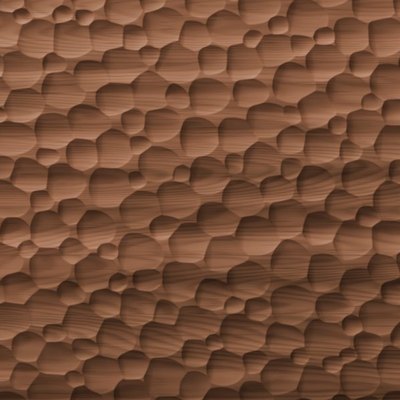
Sea foam Packed bubbles
A raft of bubbles of every size pressed together, each one a shallow cup, the tiny ones caught where the big ones meet.
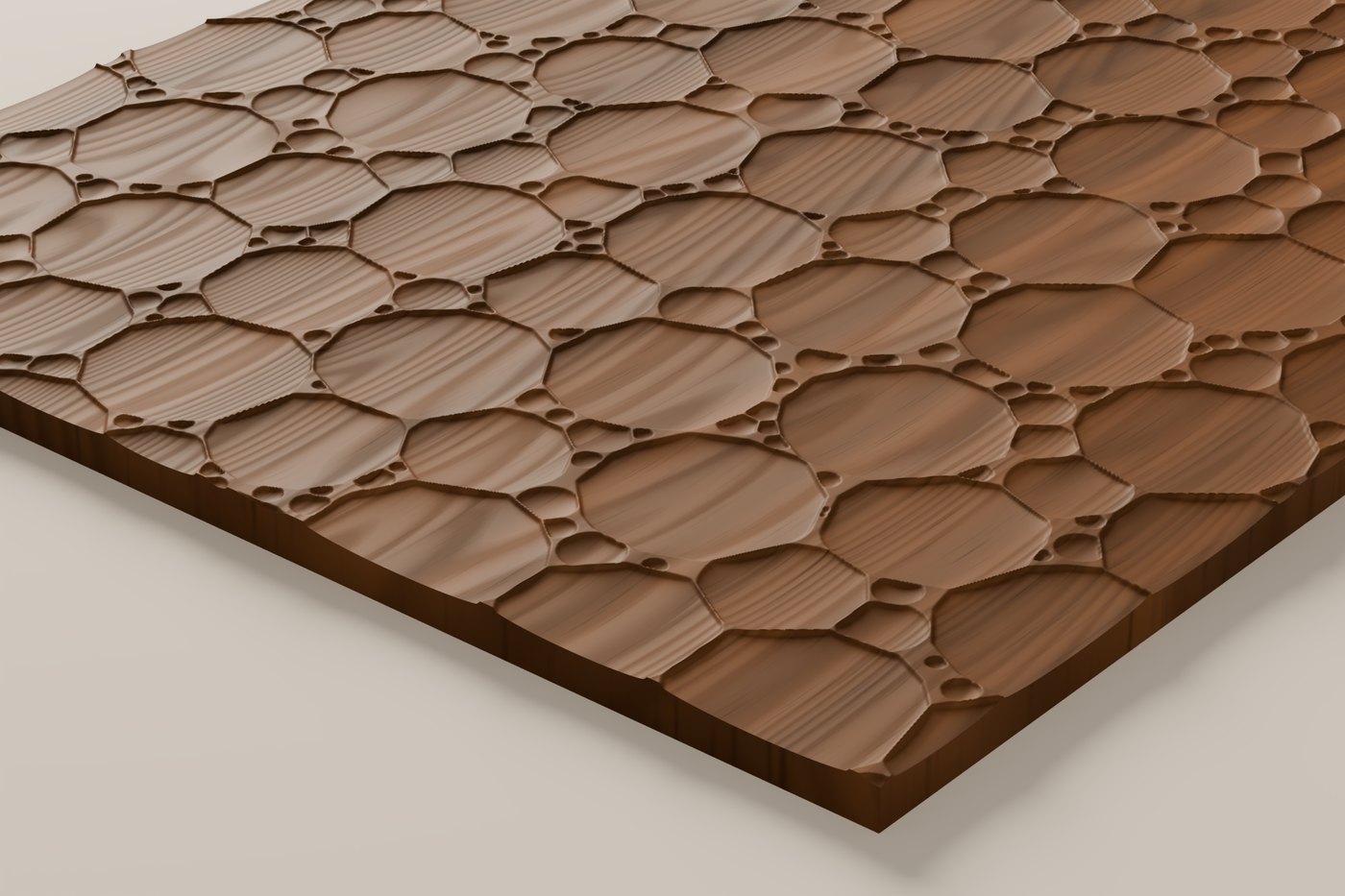
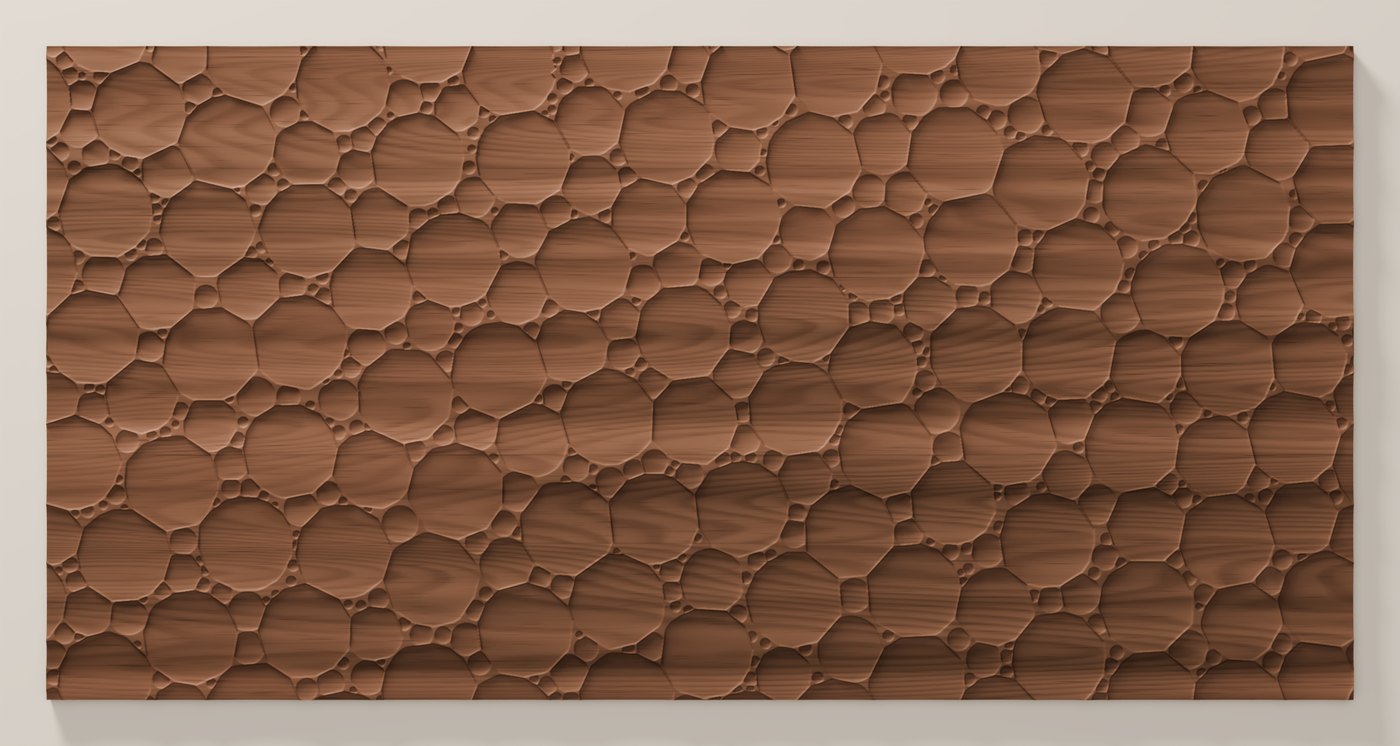
Relief0.160 in
Panel24 × 48 in
TilesBoth ways
Price$22
Buy on Etsy · $22 →
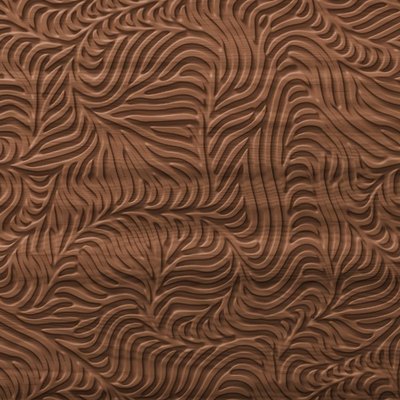
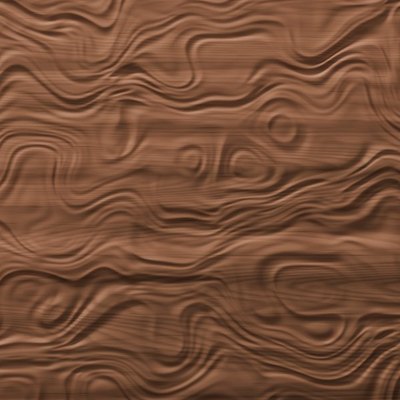
Also in Texture Pack 07, four textures for $59.
In the download
What you get
- Full 24 × 48 in panel as a watertight STL, in inches
- 16-bit grayscale heightmaps at 25 and 50 px/in
- 12 × 12 in test tile, STL and PNG
- One-page cut sheet PDF with bit, settings and steps
- Works in Vectric Aspire, VCarve Pro, Carveco, Fusion 360 and Carbide Create Pro
- Licence to sell what you carve (not the files)
Cut sheet
How to cut it
- Cut the 12 × 12 in test tile on scrap first.
- Face the stock flat and zero Z on the top surface.
- Import the STL or the 50 px/in heightmap at 24 × 48 in, 0.160 in deep.
- Rough with a 1/4 in flat end mill, leaving 0.020 in of stock.
- Finish with a 1/8 in ball nose at 0.015 in stepover, raster along the 48 in length.
- Faster option: a 1/4 in ball nose at 0.020 in, which closes up the smallest bubbles.
- Panels larger than 24 × 48 in: tile the file edge to edge; it repeats without a seam.
- Knock off fuzz with a nylon brush or 320 grit, then finish as normal.
Feeds and speeds on the cut sheet are calculated starting points. Run the test tile first and adjust for your machine.
Also in Pack 07
Let’s build something permanent.
Tell us about the room and what it needs to do. We work in and around Jacksonville, Florida.
Phone
Built-ins, cabinetry and architectural woodwork, made by hand in Jacksonville, Florida.
Contact
- (904) 576-1924
- Jacksonville, Florida
© 2026 Roxford Carpentry30.33° N, 81.66° W